
Gemini Omni is an independent platform for the chat-edit AI video workflow. It is not affiliated with, endorsed by, or sponsored by Google.
Gemini Omni vs Veo 3.1 — Which AI Video Model Wins?
Gemini Omni vs Veo 3.1 compared — resolution, duration, native audio, the chat-edit workflow, price and availability. Veo 3.1 (codename Toucan) is the production Gemini video stack; Gemini Omni is the leaked chat-edit layer that extends it.
Powered by the Gemini video stack — describe, remix, render.
Gemini Omni vs Veo 3.1 — Spec by Spec
A head-to-head look at how Gemini Omni and Veo 3.1 compare across the specs that matter most to creators.
| Capability | Gemini Omni | Veo 3.1 |
|---|---|---|
| Resolution | Up to 1080p (auto-upgrades to 4K at launch) | Up to 4K |
| Max clip duration | ~10s per generation, extend in chat | ~8s per clip |
| Native audio | Yes — speech, ambient room tone & music in one pass | Yes — natively generated audio |
| Chat-edit workflow | Yes — edit directly in chat, regenerates only the differential | No — re-prompt and re-render |
| One-click remix | Yes — every clip becomes a remix seed | No |
| Multi-camera | Seamless multi-camera inside a single shot | Single camera per generation |
| Availability | Use the workflow today in your browser — no waitlist | Gated — Gemini Advanced subscribers, region-locked |
| Price to start | Free generations to start, plans from $9.9/mo | Bundled into Gemini Advanced subscription |
Bottom line: Veo 3.1 has its strengths, but Gemini Omni gives you the chat-edit workflow on top of the Gemini video stack — and it auto-upgrades to the official Omni model the day Google ships it at Google I/O 2026.
What Is Veo 3.1 — and Where It Stands
Veo 3.1 is one of the AI video models creators weigh against Gemini Omni in May 2026. Understanding what it does well — and where it falls short — makes it clear why the chat-edit workflow matters.
Gemini Omni runs on the Gemini video stack (Veo 3.1, codename Toucan) today and layers a chat-native experience on top: edit directly in chat, one-click remix, native audio and seamless multi-camera. When Google officially ships Omni at Google I/O 2026, your workspace upgrades automatically with zero migration.
See what creators made
How Gemini Omni Differs From Veo 3.1
Gemini Omni adds the chat-native layer that Veo 3.1 does not have — the same engine, a very different workflow.
Edit Directly in Chat
Veo 3.1 makes you re-prompt and re-render from scratch. Gemini Omni keeps every refinement inside one chat thread — change a face, swap a line, tighten the shot — and regenerates only what changed.
One-Click Remix
Every Gemini Omni generation becomes a remix seed. Spin variants — different lighting, protagonist, or season — in a single click. Veo 3.1 has no comparable chat-edit remix layer.
Auto-Upgrade to Omni
Gemini Omni runs on the Gemini video stack today and switches to the official Omni model automatically the day Google ships it at I/O 2026. No migration, no waitlist — unlike Veo 3.1.
Gemini Omni vs Veo 3.1 — Pros and Cons
Gemini Omni
- Chat-edit workflow — no timeline, no re-renders
- One-click remix of any clip
- Native audio, music and multi-camera in one pass
- Use it today in your browser — no waitlist or API keys
- Auto-upgrades to the official Omni model at launch
- Outputs capped at 1080p until the official Omni model ships
- Built on a leaked workflow — official specs confirmed at Google I/O 2026
Veo 3.1
- Production-grade fidelity available today
- Natively generated audio
- Backed and maintained by a major AI lab
- Proven prompt adherence
- No chat-edit or remix workflow — re-prompt every change
- Gated access — not open to every creator
- Single camera per generation
See the Gemini Omni Video Workflow in Action
Real clips generated through the Gemini video stack, then remixed in chat — the workflow Veo 3.1 cannot match.
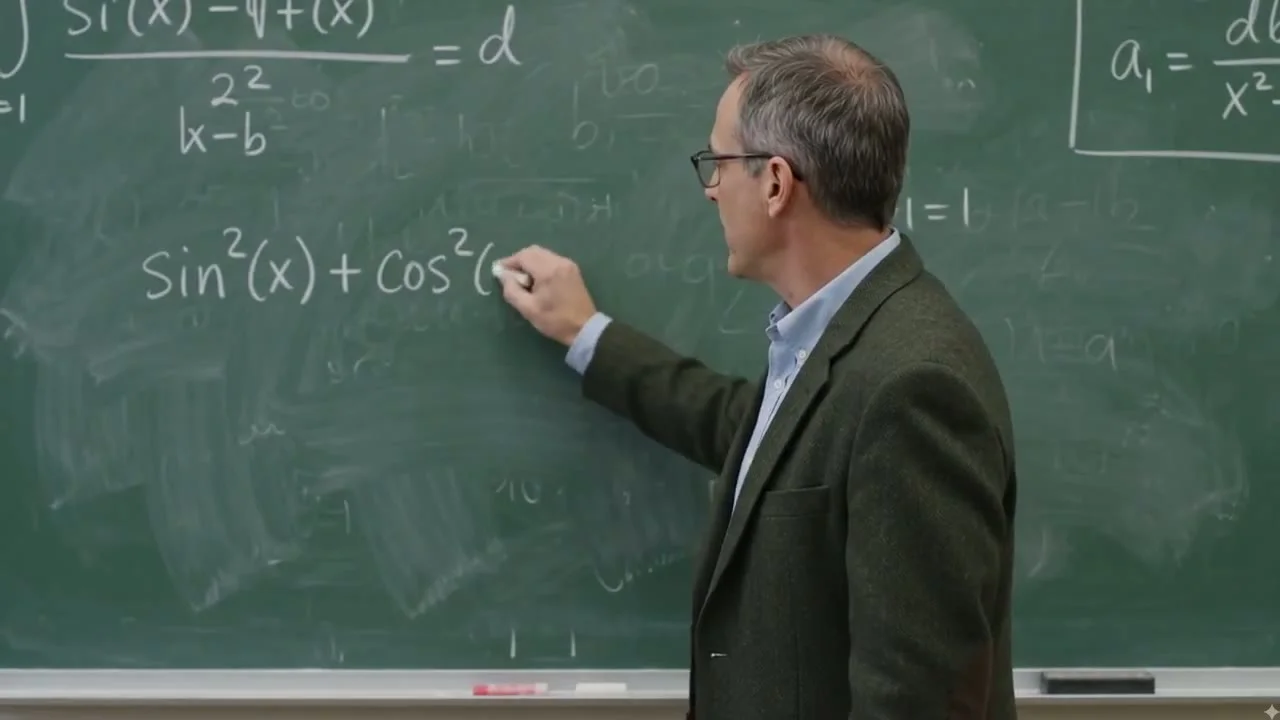
Cinematic Dialogue — Seaside Restaurant

Anime Opening Title — Multi-Camera Cut

Product Unboxing — Cinematic Top-Down

Drone Sweep — Nature Wide Shot
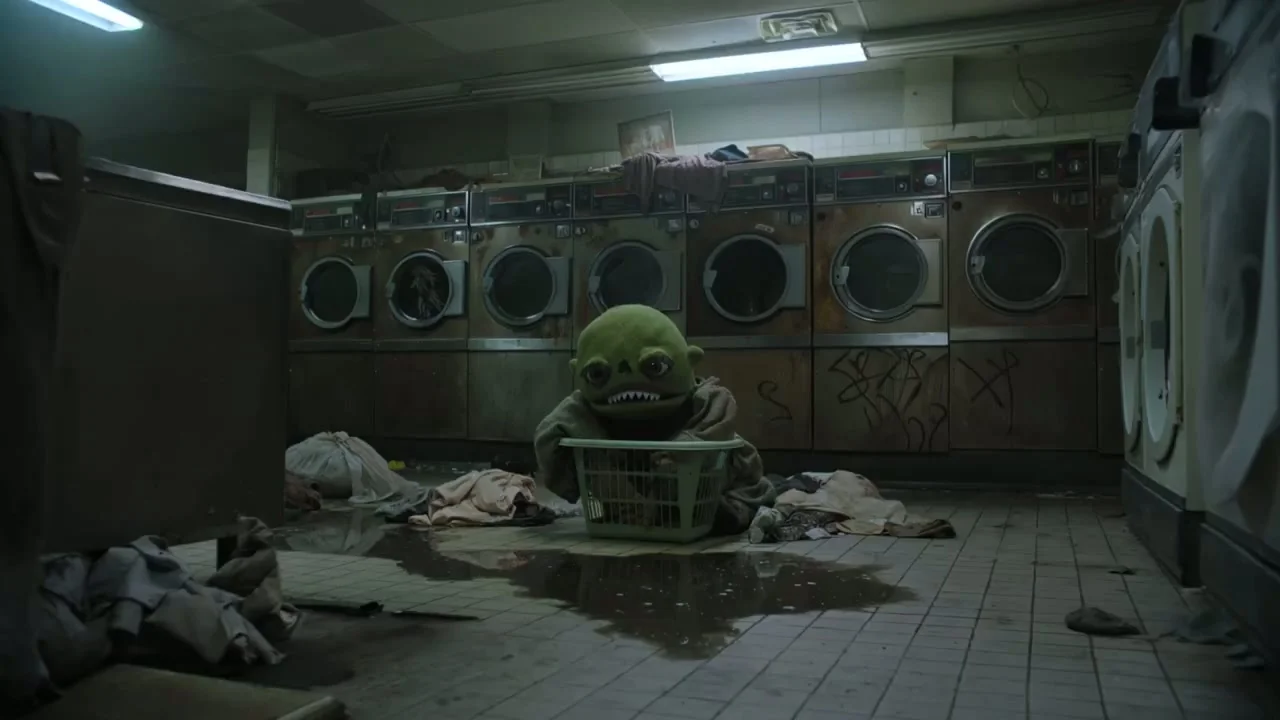
Pixel-Art Game Sequence

Car Chase — Action Sequence
Gemini Omni vs Veo 3.1 — FAQ
Common questions about how Gemini Omni and Veo 3.1 compare.
No. Veo 3.1 and Gemini Omni are distinct. Gemini Omni is the chat-edit video workflow — edit directly in chat, one-click remix and seamless multi-camera — running on the Gemini video stack. It shares a foundation with Google's production video model but offers a different experience from Veo 3.1.
You can use the Gemini Omni workflow today in your browser with no waitlist or API keys. Depending on availability, Veo 3.1 may be gated, region-locked or discontinued. Gemini Omni generations run on the Gemini video stack, so you get strong quality through an open chat-edit workflow.
Gemini Omni outputs up to 1080p today and auto-upgrades to 4K when Google ships the official Omni model. Compared with Veo 3.1, Gemini Omni's advantage is the workflow — chat-edit and one-click remix — rather than a raw difference in the renderer.
Your workspace upgrades automatically. The moment Google ships the public Omni model at Google I/O 2026 on May 19-20, Gemini Omni switches your generations to it — no migration, no re-onboarding, no waitlist. You keep practicing the workflow today; the engine upgrades itself.
Gemini Omni offers free generations to start, with plans from $9.9/month for high-volume creators. That lets you compare the chat-edit video workflow against Veo 3.1 before committing to any subscription.
Compare Every Gemini Omni Matchup
Gemini Omni vs Veo 3.1 is just one comparison. Explore how the chat-edit workflow stacks up against every other AI video model.
Skip the Comparison — Try the Gemini Omni Workflow
Open a chat, describe a scene, and remix it until it is yours. Gemini Omni runs on the Gemini video stack and auto-upgrades to the official Omni model the day Google ships it.